Learn how to organise work to get a quick view with customized home tab in Zoho CRM
The Home tab of Zoho CRM is a quick indicator of the progress of all your CRM activities. Besides indicating the progress of your CRM activities, the Home tab also serves as a great place to organize your day’s work, as well as your teams’. This is possible by means of the three types of “Views” in the Home tab of Zoho CRM. For more information on Zoho CRM, you can visit us.
Classic View
The Classic View is unique to a CRM user and shows the respective user’s Tasks, Events and Pipeline. This view cannot be customized.
User’s Home Page
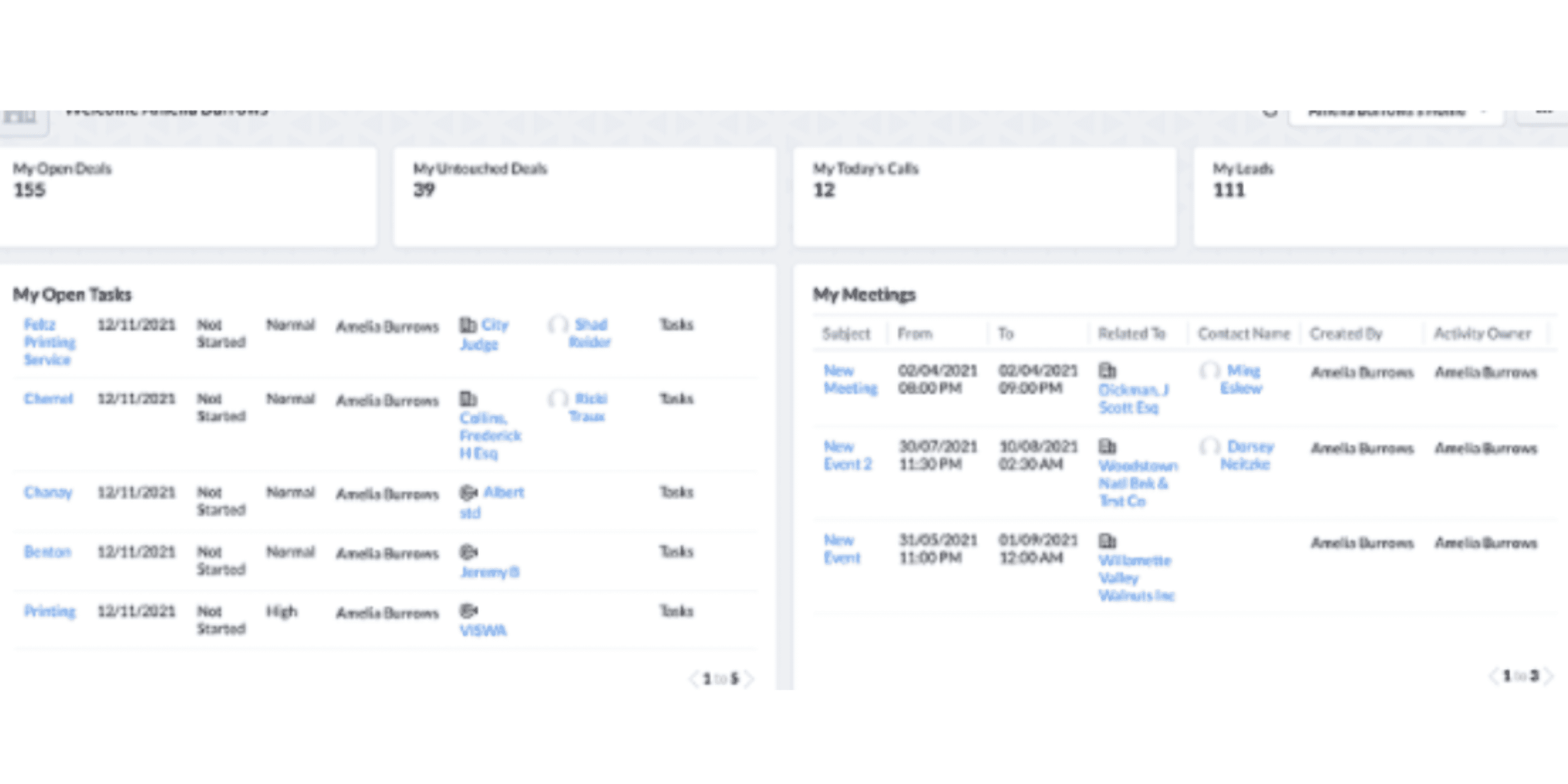
Individual users can customize the Home tab for their own account in User’s Home Page. You can add components that you wish to look in the User’s Home.
The following are the components that can be added in the home page tab.
- KPIs: My Open Deals, My Leads, My Untouched Deals, My Today’s Calls.
- Custom views: My Deals Closing this Month, My Open Tasks, Today’s Leads, and My Meetings.
- Funnel: My Pipeline Deals by Stage.
They can create new components as per their requirements in their personal dashboard.
Manager’s Home Page

Customized Home Page
You can also create and share a common view across roles based on what you want them to view. Using the Customized Home Page, you can add components you wish them to look at when they log into CRM.
Create Customized Home Page
To create Customized Home Page
- Go to Setup > Customization > Customize Home Page. Alternatively, you can also go to the Home Tab, click the drop-down on the top right corner and select Customize Home Page.

Choose a Dashboard from the drop-down list and select components that you want to add in the Home page

Choose a Module from the drop-down list and select components to add custom view components.

Add Components in User’s Home Page
You can also add components in the user home page as show in the picture give below.

In the Add Component pop-up window , do the following:
In the Get from field, choose from
- Dashboard
- Custom View
- Widgets
Dashboards
- Select the Dashboard from which you wish to add the component and enter the Component Name and click Save.

The selected dashboard will be added as a Component in your Home tab.
like wise you are suppose to add the component for custom view and widgets too.
View Recent Items
In the Zoho CRM home page, on the bottom right corner of the page, click the Recent Items icon.
Check Reminders
Log in to your Zoho CRM account, click the Reminder icon at the bottom right corner.

Hence this is how you can customise your homepage in Zoho CRM that will help you extract valuable sales information in less time. We can help you design a customised, scalable CRM – offer training and one-on-one support on-demand before and after the implementation. We could speed up the sales pipeline by tailoring data-driven automated marketing campaigns while generating new leads.